Default Table Settings for a Variable
Use Default Table Settings for a Variable to define the default settings for variables that you often use in tables, such as banner variables. When you use these variables while creating tables, OfficeReports automatically applies the settings.
This helps you create tables the way you want without repeating the same table settings each time.
Set Default Table Settings
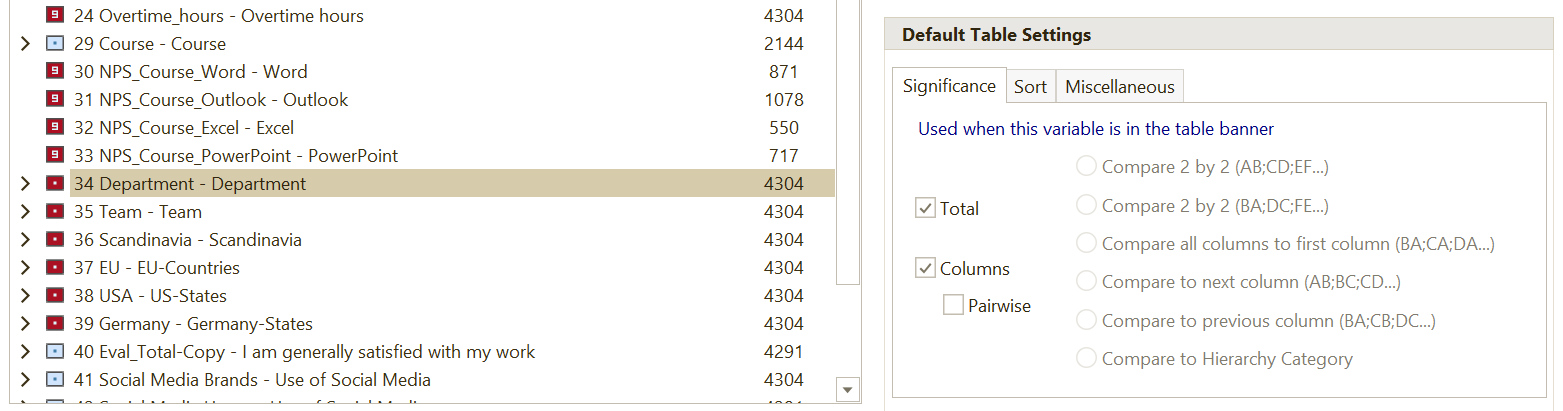
- Open the Data Editor.
- Select the variable you want to configure.
- Set the required defaults on the available tabs.
Significance
Use the Significance tab to define whether OfficeReports should perform a significance test when the variable is used in the banner.
Sort
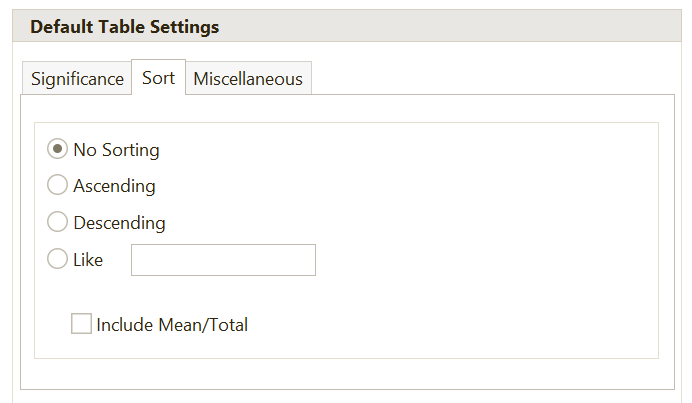
Use the Sort tab to define the default sorting.
- If the variable is used in the banner, OfficeReports uses these settings to sort the columns.
- If the variable is used in the stub, OfficeReports uses these settings to sort the rows.
Miscellaneous
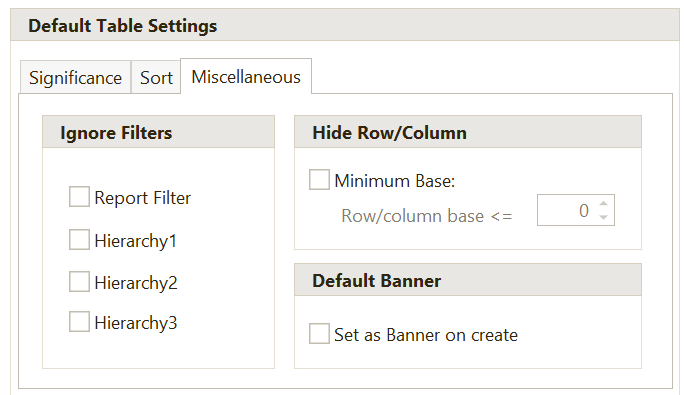
Use the Miscellaneous tab to define additional defaults.
You can set defaults for:
- ignoring filters
- hiding rows or columns based on the base of the row or column
- automatically adding the variable as a banner when you create a table
If the variable is used in the banner, OfficeReports uses these settings to control which columns to hide by default.
If the variable is used in the stub, OfficeReports uses these settings to control which rows to hide by default.
Select Set Banner on create if you want OfficeReports to automatically add this variable as the banner variable when you create a new table.