Remove Data
Use Remove Data to remove the connection to the OfficeReports database from the workbook.
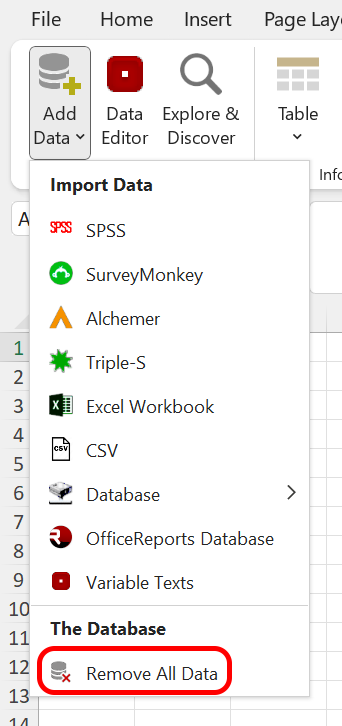
Remove the data connection before you send the workbook to a customer who also has OfficeReports installed and should not be able to work with the data. Otherwise, the customer gets an error message when opening the workbook because OfficeReports cannot find the database.
If the recipient should be able to work with the data, remember to send the database file together with the workbook.
Reconnect to the Database
If you want to reconnect the workbook to the database:
- Click Data.
- Select OfficeReports Database.
- Select the OfficeReports Database file.