Merged Categories and NET
Use Categories to add categories, merge categories, and create NET categories for categorical variables.
The Categories button is located below the variable list in the Data Editor. It is available when you select a categorical variable.
Add a Category to an Original Variable
You can add a category to an original categorical variable, but this is usually not recommended. If you change an original variable incorrectly, OfficeReports may not be able to match a later import file to the existing data.
- Select an original categorical variable with the red icon.
- Click Categories.
- Add the new category.
Add a Category to a Derived Variable
All categories in a derived variable are defined by a formula.
- Select a derived categorical variable with the blue icon.
- Click Categories.
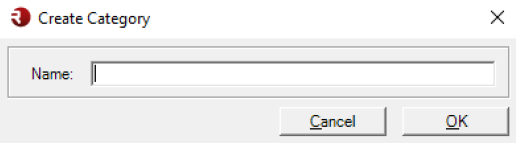
- Select New Category.
- Enter a name for the category.
- Add a formula for the category by using The Formula Editor.
Merge Categories
You can merge categories when a derived categorical variable contains more than two categories.
Use one of these methods:
- Select the categories you want to merge.
- Right-click the selected categories.
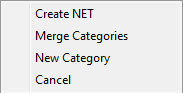
- Select Merge.
Or:
- Click Categories.
- Select Merge.
- Select the categories you want to merge.
OfficeReports creates an OR formula for the merged category.

Create a NET Category
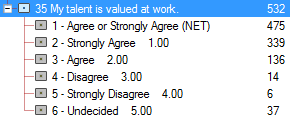
You can create a NET when a derived categorical variable contains more than two categories.
A NET is an extra category that combines two or more categories from the variable.
- Select the categories you want to include in the NET.
- Open Categories.
- Select NET.
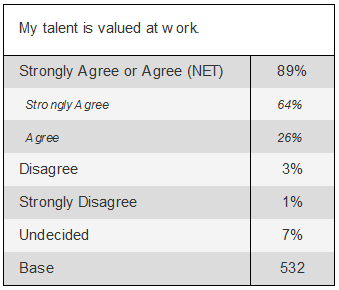
When OfficeReports creates tables that contain NET categories, it automatically formats the categories included in the NET as indented, italic, and slightly smaller.