Uninstall OfficeReports
Follow the steps below to uninstall OfficeReports. Close Excel and PowerPoint before you start.
Uninstall on Windows 10 and 11
- Open Settings.
- Click Apps and then **Installed Apps".
- Find OfficeReports in the list.
- Select OfficeReports and click on the three dots.
- Click Uninstall.
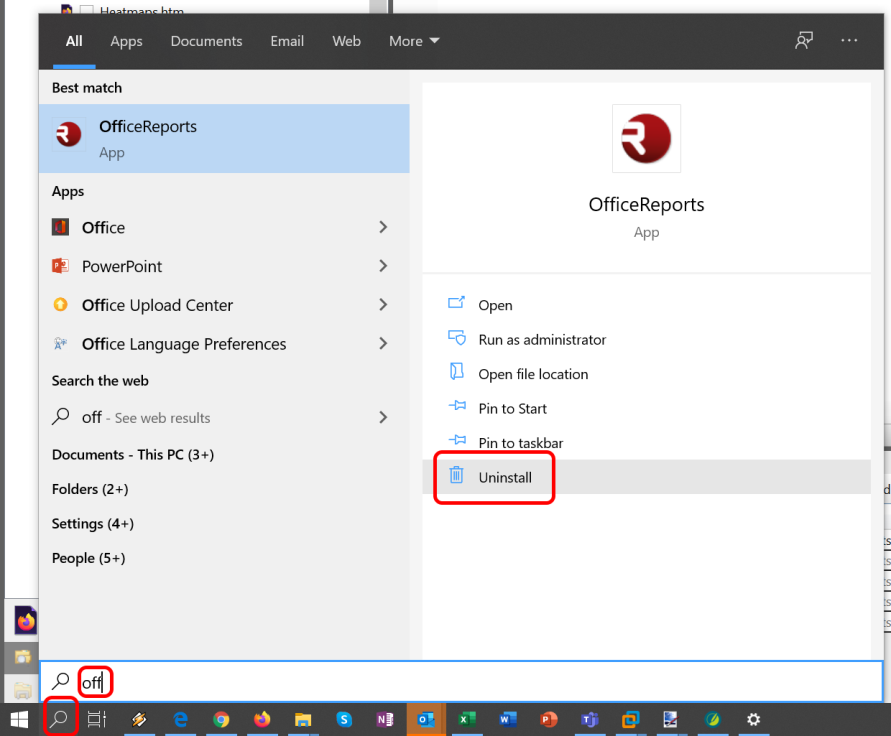
You can also search for OfficeReports from the Windows taskbar and click Uninstall.