Use Shared Settings
Use Shared Settings to make sure you and your colleagues use the same Table Layouts, Slide Library, and VBA macros. Each user works with an up-to-date local copy of the shared settings files, including when using a laptop away from the office.
Create a shared Layout Database
- Create a new folder on a shared network drive that all OfficeReports users in your organization can access, for example
.\OfficeReports. - On the PC that contains the definitions you want everyone to use, click Set path to the Shared Settings folder.
- Select the empty folder you created.
- On each PC that should use these settings, click Set path to the Shared Settings folder.
- Select the same folder, which is now no longer empty.
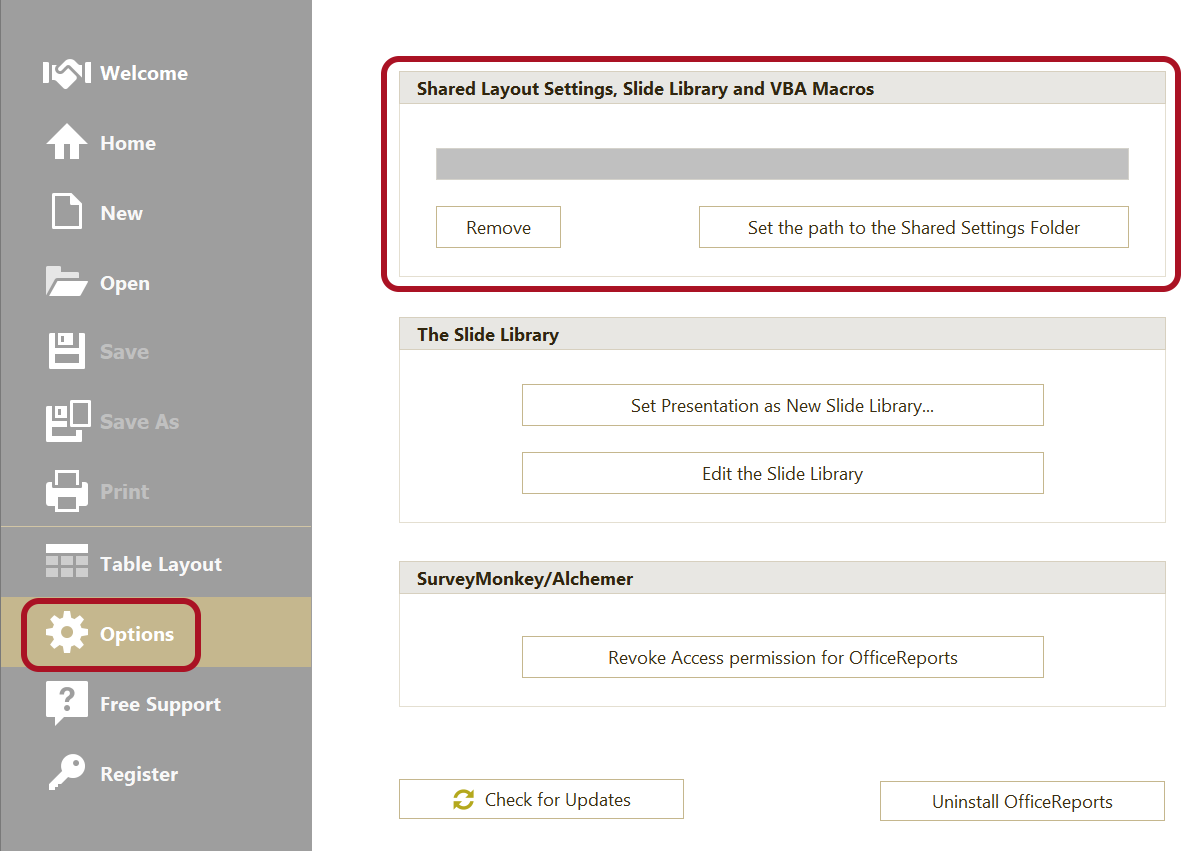
With this setup, all users will have an up-to-date local copy of the Layout Database, the Slide Library, and the macro files.