Handle the OfficeReports subscription
Use the OfficeReports App to register a license key, move a license to another machine, or cancel a subscription.
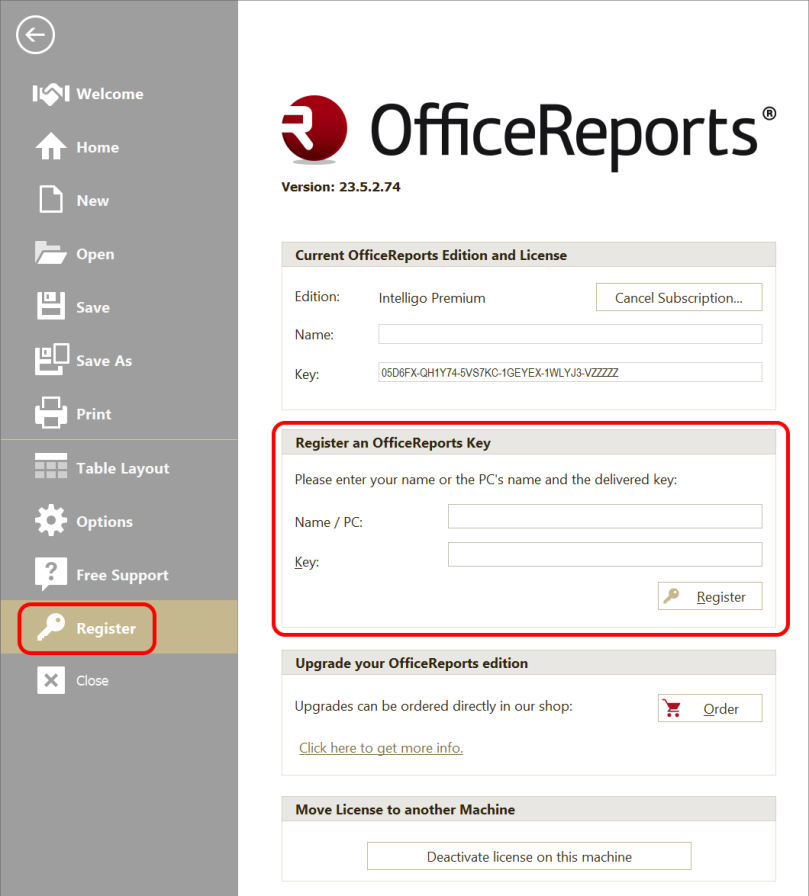
Register a license key
- Click Register in the OfficeReports App.
- Enter your name.
- Enter the license key you received by email after purchasing OfficeReports licenses.
Move the license to another machine
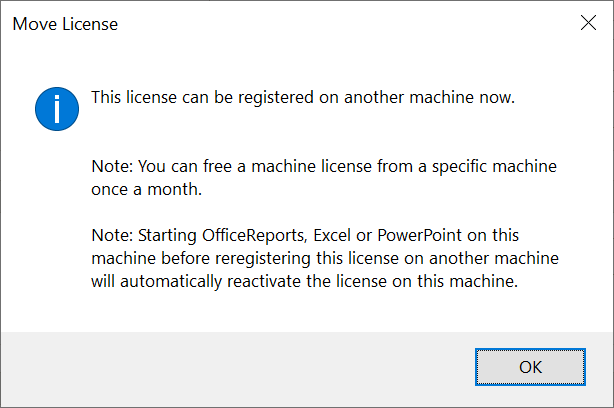
If you need to move your license to another machine, first deactivate the license on the old computer.
- On the old computer, click Deactivate license on this machine.
- Complete the deactivation in the window that opens.
Cancel the subscription
If you bought the OfficeReports subscription in the online shop, you can cancel it in one of these ways:
- Click the Subscription Cancelation link in the email you received when you bought the subscription.
- Send an email to helpdesk@officereports.com.